
Featured
Beef Burger
Juicy beef burger with cheddar, lettuce, tomato, and house sauce.
€13.50€11.90
View item →Digital menus
Create a QR menu in minutes. Update dishes instantly. Import with AI. Everything you need to run a modern digital menu, nothing you don't.
All features
QR codes, guest browsing, dashboard management. Built for restaurants, cafés, bars, and hotels.
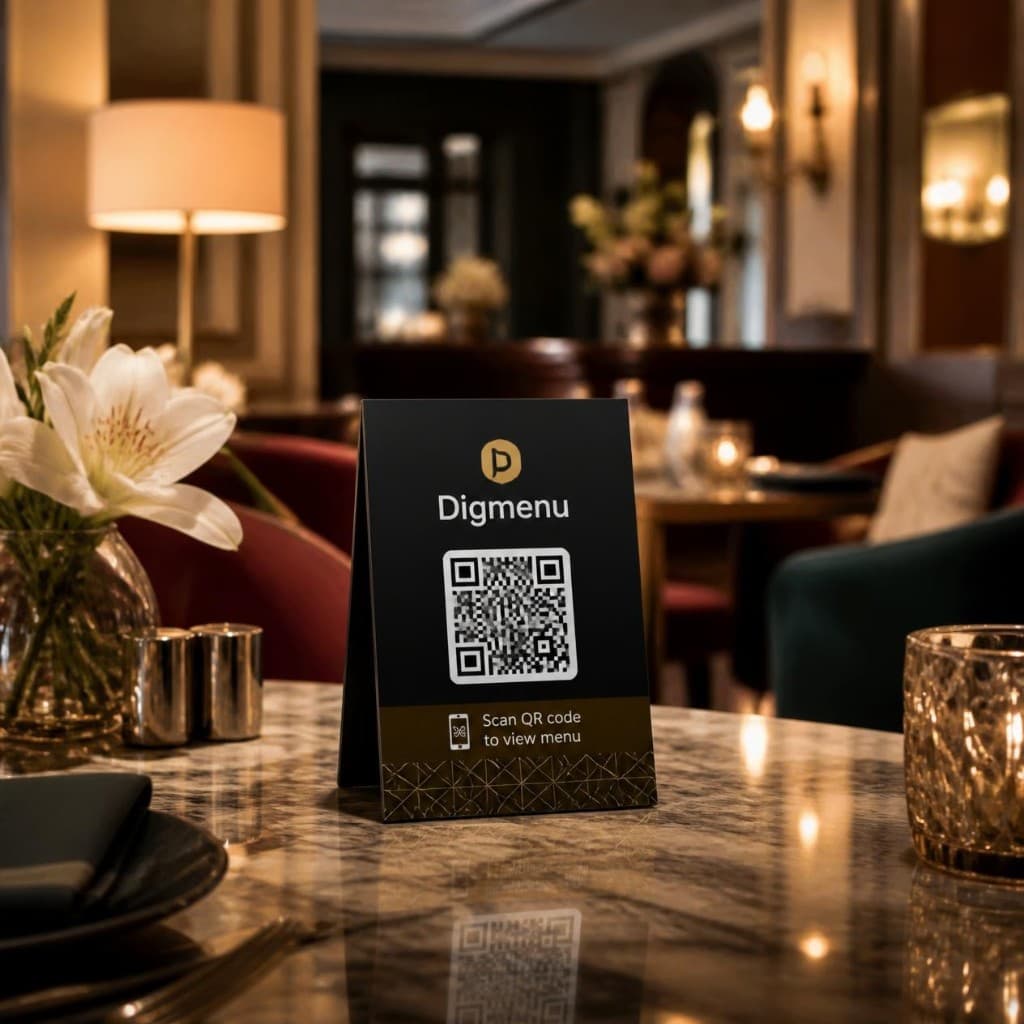
Guests scan and browse instantly. No app, no wait. Update anytime, same code.
See detailsGuests tap a tag to open your Google reviews, or your menu if reviews are off.
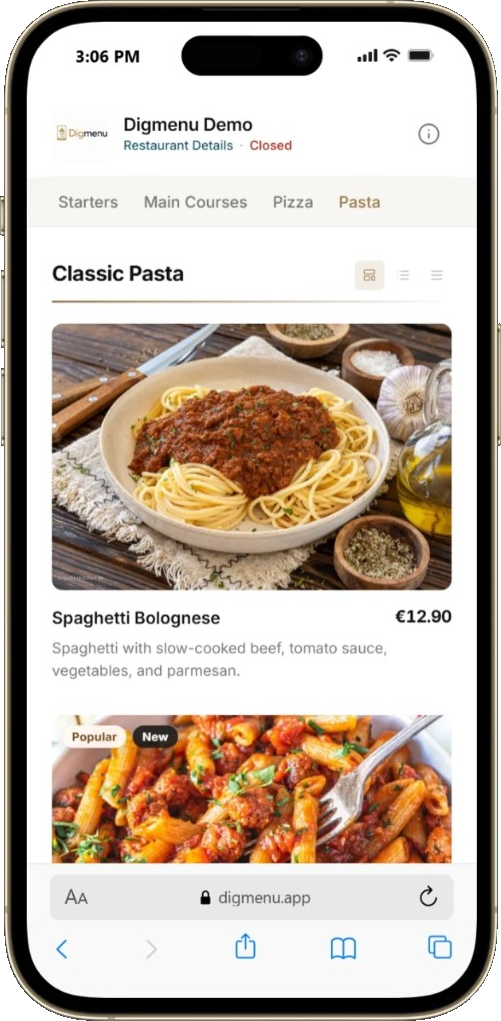
See detailsFast, mobile-first browsing. Clear categories, photos, prices, and details.
See detailsSpotlight a dish, category, or offer. Styled automatically, shown at the right time.
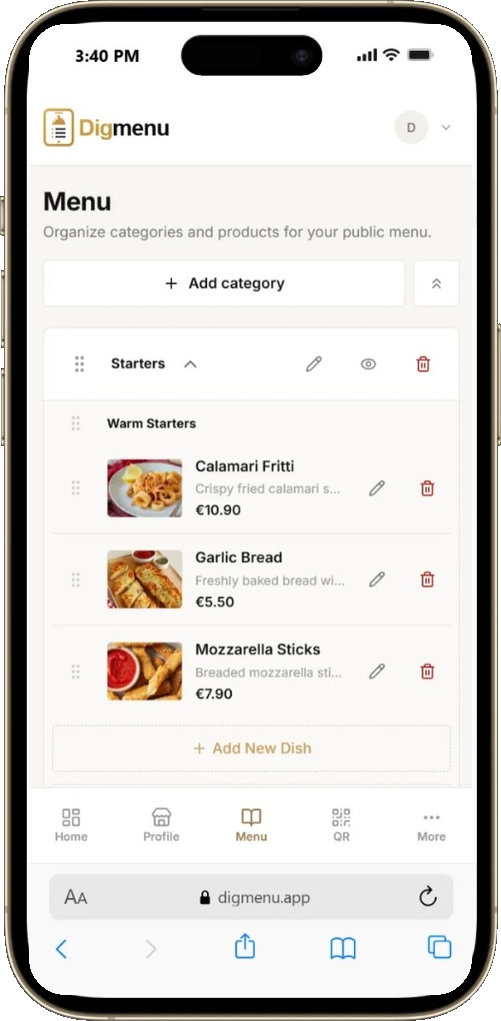
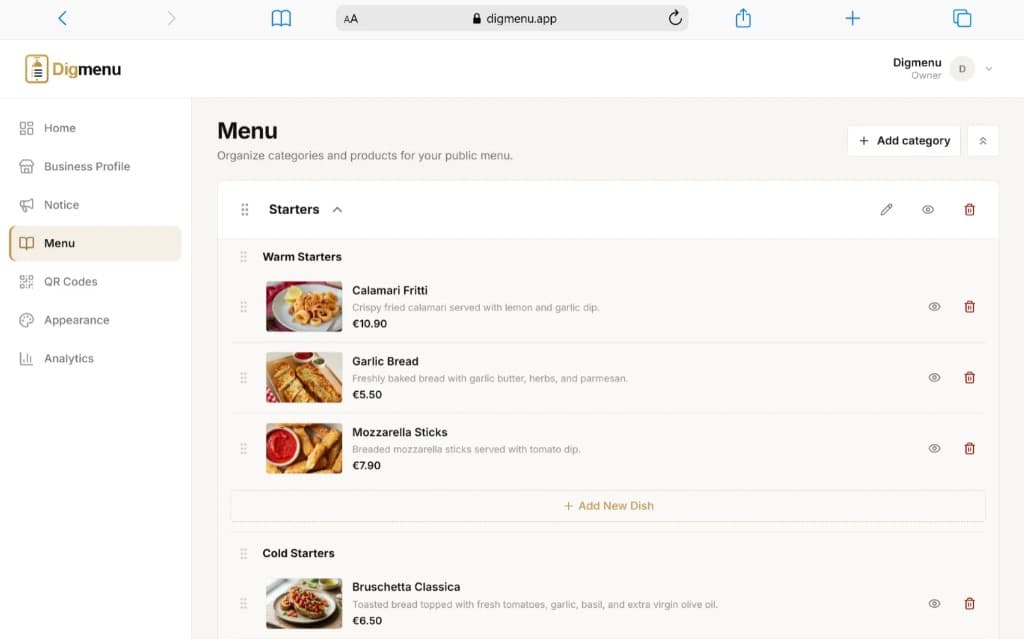
See detailsOne dashboard for categories, dishes, prices, and availability. Simple, fast.
See detailsUpload your PDF or photo. Review categories, dishes, and prices before publishing.
See detailsBetter lighting, clarity, presentation. Preview Original vs Enhanced, switch anytime.
See detailsGuests bookmark dishes while browsing. A personal list, not a cart.
See detailsYour logo, photos, colors. Preview before publishing, keep the experience yours.
See detailsViews, scans, product signals. Understand what guests open, adjust accordingly.
See detailsInvite staff, assign roles. No shared logins, clear permissions per person.
See detailsYour menu, your domain. Professional, branded, fully under your control.
See detailsQR digital menu
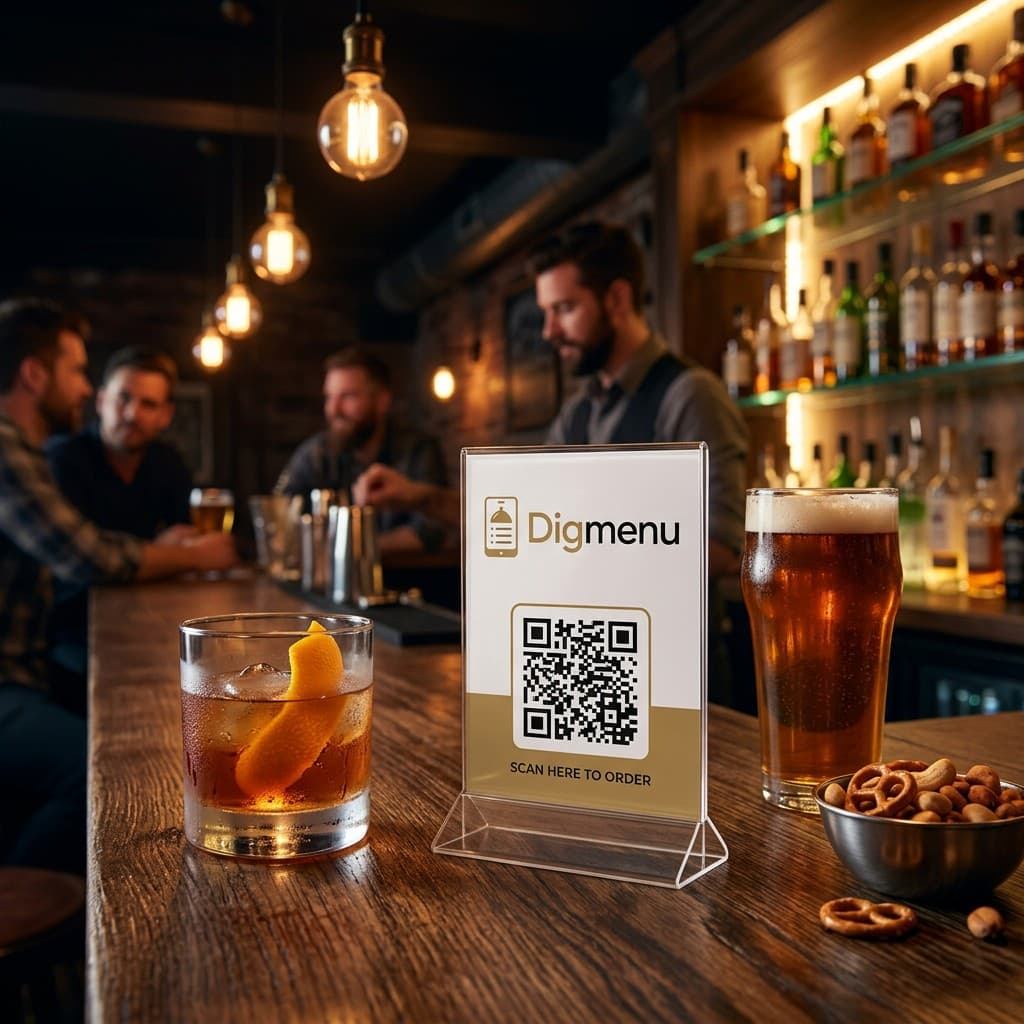
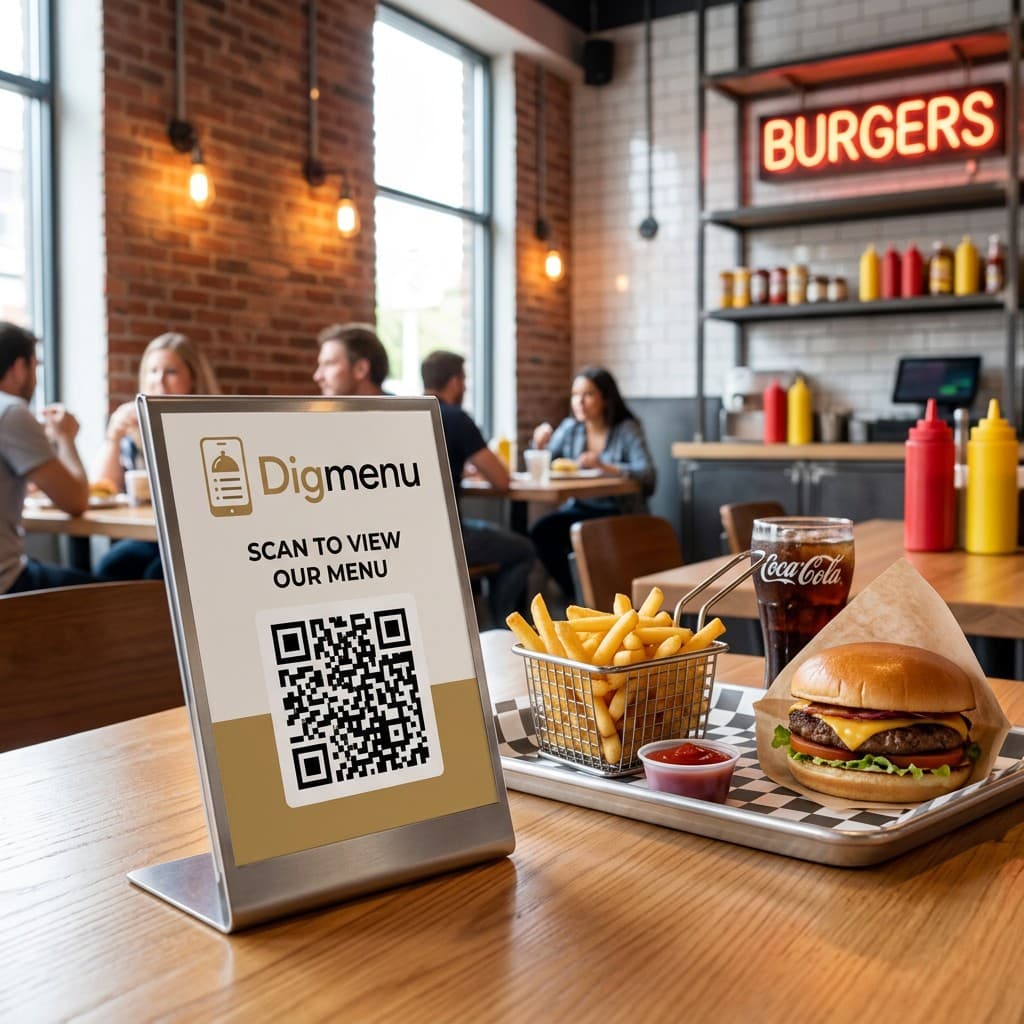
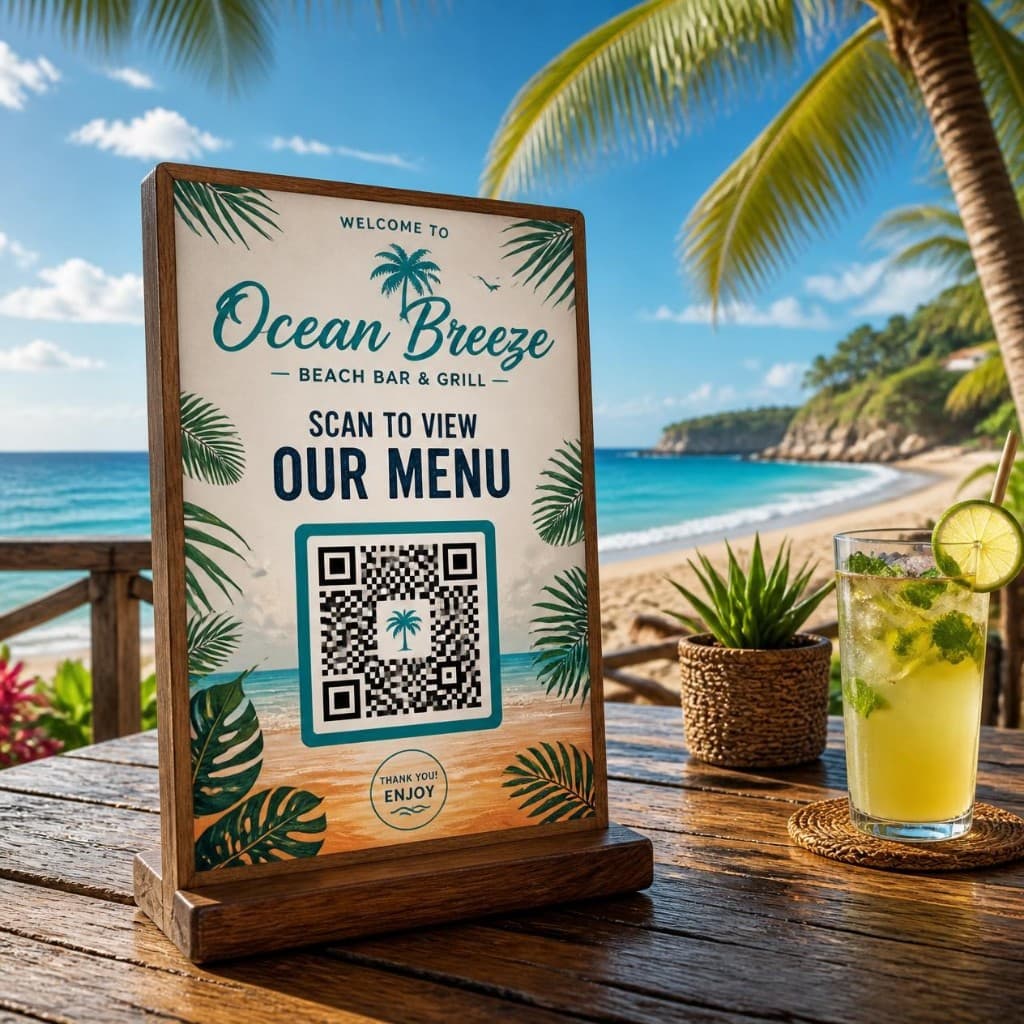
Mobile guest menu
Scan and browse instantly. Clear photos, prices, details. No app needed.
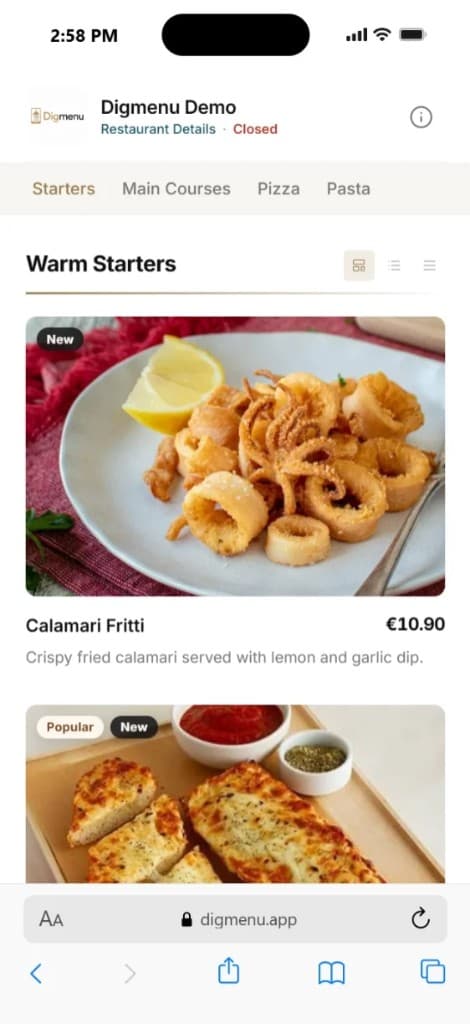
Promotions
Feature a dish, category, or custom offer inside your menu. Uses your content. Styled automatically.
Products · Categories · Custom offers
Your content, our presentation.
Juicy beef burger with cheddar, lettuce, tomato, and house sauce.
€13.50€11.90
View item →Menu management
Update categories, dishes, prices, photos, and availability from one dashboard. No reprinting.
AI Menu ImportPro
Upload a PDF or photo. AI extracts categories, dishes, descriptions, and prices. You review, edit, then publish.
Nothing goes live until you approve it.
Less manual entry. More time for service.
Upload your menu
PDF or photo. Clear images work best.
AI extraction
Categories, dishes, descriptions, and prices, ready to review.
Review & publish
Edit anything, then add to your live menu.
AI Image EnhancementPro
Better lighting, clarity, and presentation. The dish stays real. You preview and choose Original or Enhanced.
Improves presentation. Doesn't invent a different dish.
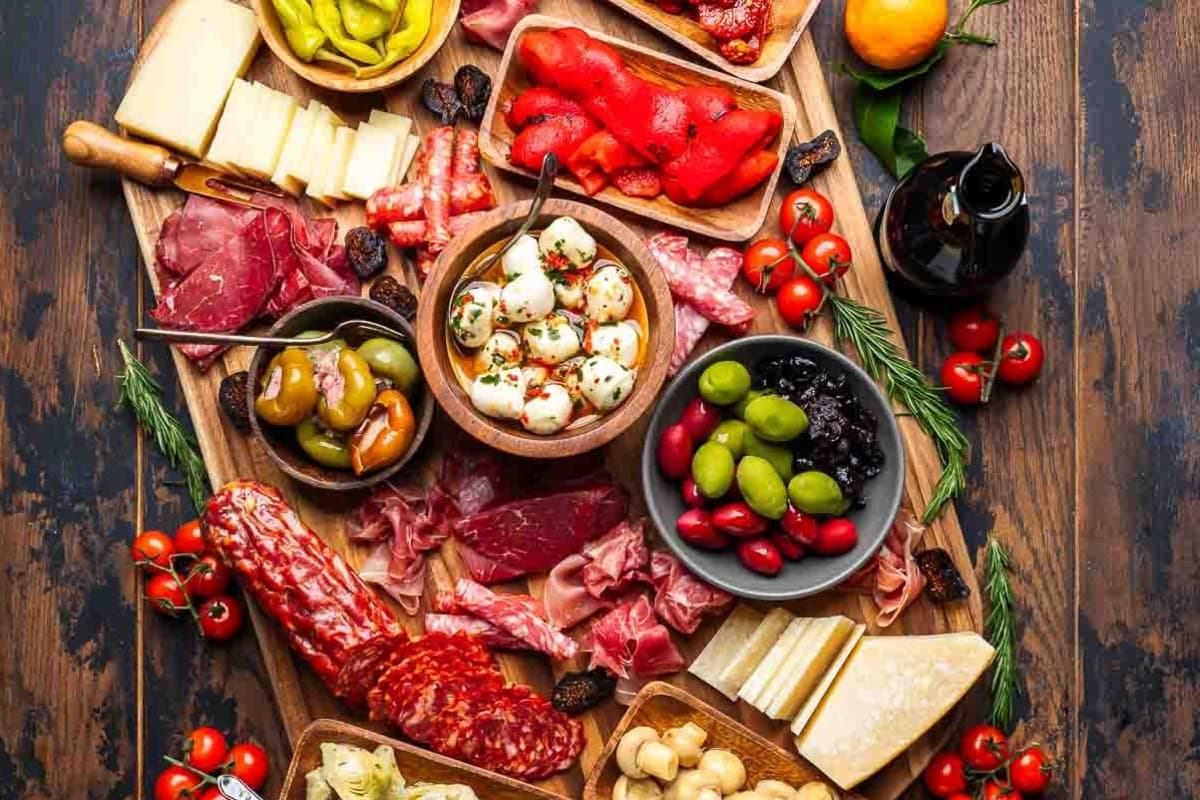
Original
Enhanced
Your photo
Start with your real dish photo.
Enhance with AI
Better lighting, clarity, presentation.
Choose
Keep Original, use Enhanced, or switch later.
My Picks
Guests save dishes to My Picks and return to them before deciding. Personal list, not a cart. No ordering, no checkout.
My Picks
Saved while browsing
€18Ready to revisit
€12Bookmarked for later
€9How It Works
Create your profile, build your menu, publish, share.
Restaurant name, address, contact, hours, social links.
Add manually or upload and let AI prepare it for review.
Branding, colors, preview before publishing.
Generate your QR, place on tables, counters, entrances, print.
Updates appear instantly. No need to replace the QR.
Pricing
Start free with a QR code digital menu, then upgrade to Pro for unlimited items and analytics.
For businesses creating their first digital menu.
€0/month
For established businesses that need more flexibility and insights.
€19.99/month
FAQ
Find answers to the most common questions about creating and managing a menu with Digmenu.
Digmenu is menu management software that helps restaurants, cafés, bars, hotels, and hospitality businesses create and share a professional QR code digital menu — with AI tools to import menus and enhance food photos.
No. Guests scan your QR code and the online restaurant menu opens directly in their mobile browser.
Yes. Upload a PDF or photo (JPG, PNG, or WebP). Digmenu extracts categories, products, descriptions, and prices into a reviewable draft. You check the results before anything is published to your digital menu. AI Menu Import is available on the Pro plan.
It improves the presentation and clarity of your existing food photos while keeping the real dish recognizable. You preview the result and can keep Original or use Enhanced. AI Image Enhancement is available on the Pro plan.
My Picks lets guests bookmark dishes while browsing your menu and return to them later. It is a personal list on their device — not an order, cart, or payment flow.
Yes. You can update products, prices, descriptions, images, and availability from your dashboard. Saved changes appear on your public menu without reprinting paper menus.
The Free plan includes 1 business, 3 categories, 15 products, 1 QR code, My Picks, and the standard Digmenu look. AI Menu Import and AI Image Enhancement are available on Pro.
Upgrade to Pro from Billing in your dashboard. Payments are processed securely by Paddle, our merchant of record. Features unlock once payment is confirmed.
No. Digmenu is designed to be simple to use, even if you have no website-building or coding experience.
For more questions, contact us at info@digmenu.app.